Microsoft 365 tenant management platform for MSPs

Every Microsoft 365 environment you inherit is misconfigured

The question is to what extent

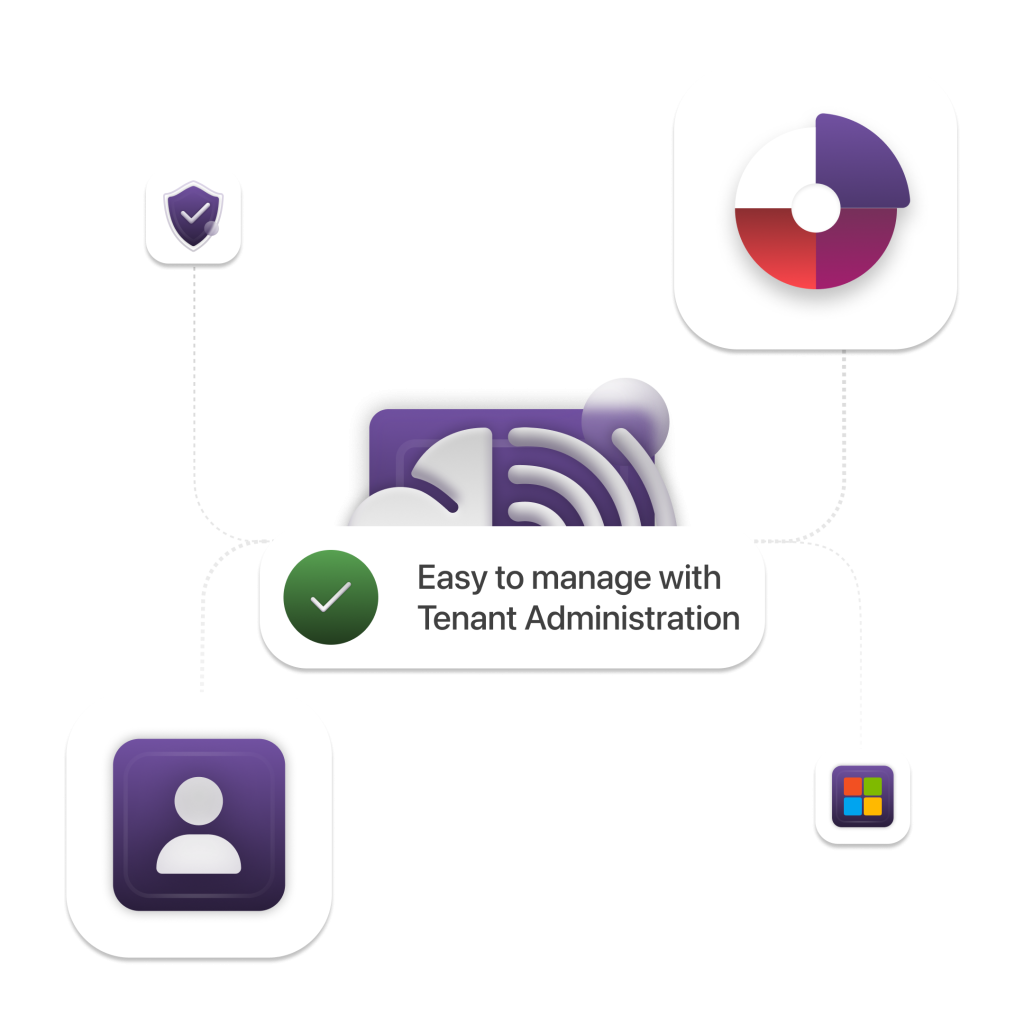
365sentri enforces your security standard across every tenant, from day one

Request a Demo

Built for MSPs and internal IT teams managing complex, mixed-licence Microsoft 365 estates.

Start your free trial

No credit card required, 14-day trial
Deploy to your first tenant in minutes

Why manual management does not scale

Microsoft 365 gets harder to manage with every tenant you add

Without a shared standard and an estate-wide view, MSPs are left repeating the same checks, chasing configuration drift and maintaining one-off customer baselines. This is why you need a Multi Tenant Management tool.

01

Repeated tenant-by-tenant work

Reviews, policy checks and configuration changes become a series of separate logins and repeated tasks. As the customer base grows, the operational overhead grows with it.

02

No reliable estate-wide view

It is difficult to see which tenants meet your standard, which have drifted and which customers need attention first.

03

Customer differences fragment the standard

Different licences, users, locations and approved exceptions lead to duplicated policies and separate blueprints that become increasingly difficult to govern.

The 365sentri operating model

One standard. Adapted to every tenant.

Import an existing blueprint or build your own, accommodate legitimate customer differences and move each tenant towards your chosen standard at the right pace.

01

Import or build your blueprint

Define the identity, security and configuration controls expected across the Microsoft 365 services you manage.

  • Set a shared security and configuration baseline
  • Organise controls by service and licence
  • Reuse the design across customer tenants
02

Apply tenant variations

Insert customer-specific values and approved exceptions without duplicating or weakening the underlying blueprint.

  • Users, groups and domains
  • Named locations and exclusions
  • Customer-specific configuration values
03

Harden in stages

Begin in report mode, review the differences in the Action Items queue and advance each tenant when you and the customer are ready.

  • Establish the current-state baseline
  • Review policy differences before enforcement
  • Track progress through each rollout stage

Global Coverage

Your 365sentri environment, in the region you choose

Data residency should be a deliberate choice.

Every 365sentri customer selects a hosting region during provisioning. Their environment is created in the chosen regional data centre, helping align platform hosting with customer commitments, internal governance and local data-residency expectations.

Four hosting regions available worldwide
Australia East flag
Australia
Sydney
US East flag
United States
Virginia
New
United Kingdom flag
United Kingdom
London
New
Norway flag
Norway
Oslo
Private deployments available
Need data in a specific region or on dedicated infrastructure?
Talk to us about private deployment options

100k

Config Checks

Average monthly configuration checks performed on a single tenant

95%

Secure Score

Achieve a high secure score with ease

60%

Config Drift

First-time scans show 60% of settings need adjustment to meet best practices

Partner Spotlight

What our partners are saying about us!

365sentri helps us deliver on our promise to keep businesses Connected, Protected, and Productive

Ron R.
Ron R.

Managing Director

With 365sentri, we're not just managing tenants more efficiently; we're positioning ourselves as a next-generation MSP. The scalability and automation it offers are crucial for our future growth

Rob W.
Rob W.

Director

Streamline and Scale

Deploying Microsoft 365 across different customers can be challenging.

365sentri streamlines this, ensuring technical complexities don't hinder your ability to tap into new revenue streams with Microsoft 365.

Improve Service Delivery

Effectively managing multiple Microsoft 365 tenants requires a lot of manual work, is prone to errors, and lacks scalability.

Simplify the configuration, deployment, monitoring, and maintenance of:

  • Entra ID (Azure AD)
  • Exchange Online
  • SharePoint Online
  • Endpoint Manager
  • Defender for 365 and more!
Integrations with MSP Industry Standard Tools
1
Create your account

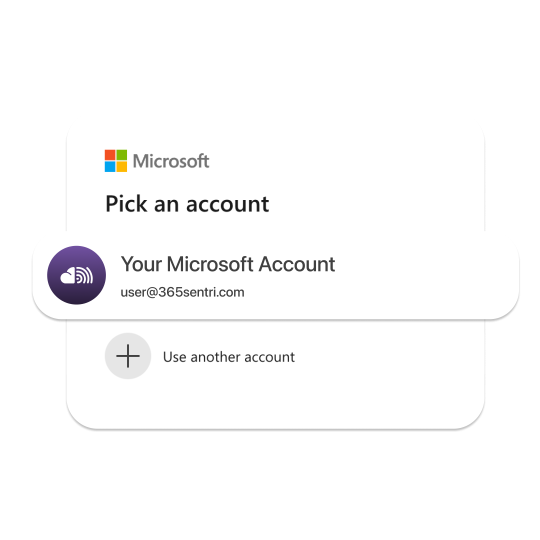
Registration takes 30 seconds and uses your Microsoft Single Sign On - please ensure you use a Global Administrator Account

2
Connect your tenant

Import customers from Microsoft Partner Center or add a tenant manually, then complete the required Microsoft consent and synchronisation process.

3
Establish the baseline

Import and then deploy the appropriate blueprint in report mode. 365sentri compares the live tenant with the blueprint standard and produces a prioritised Action Items queue and a health score - or - build your own

4
Review and progress

Confirm the impact and if necessary, obtain customer approval, then advance the tenant through staged remediation at the right pace.

access

Your daily operating layer for Microsoft 365

See every tenant in one view

Start with a clear view of tenant health, Microsoft Secure Score, configuration status and deployment progress. Identify the customers that need attention without moving between separate Microsoft portals. You can do it at a Fleet or Individual level

Review what changed or needs changing

Action Items surfaces configuration gaps and drift against each tenant’s assigned blueprint. You receive an email or a ticket in your PSA, and you can decide what requires action

Apply approved changes at scale

Review changes in report mode in your action item list before enforcement. Once you hit "Click to Remediate" the policy updates, or, update the blueprint and cascade the change across assigned tenants - without repeating the same work customer by customer.

Show measurable progress

Use Prospect Reports and Monthly Reports to document the starting position, explain recommended work and demonstrate how each customer’s Microsoft 365 environment improves over time.

Creating visibility and action

A clearer way to run day-to-day Microsoft 365 tenant operations

Centralised Management

Use tenant health, report warnings and the Action Item list to identify the customers and configurations that need attention first.

Work across tenant boundaries

Search and manage users across tenants without jumping between Microsoft portals. Identify MFA coverage gaps, take authorised user actions and manage temporary travel access through Vacation Manager.

Build the full picture faster

Bring tenant health, Secure Score, configuration differences, authentication gaps and service warnings into one operational view instead of piecing them together across multiple Microsoft admin portals.

Controlled automation at scale

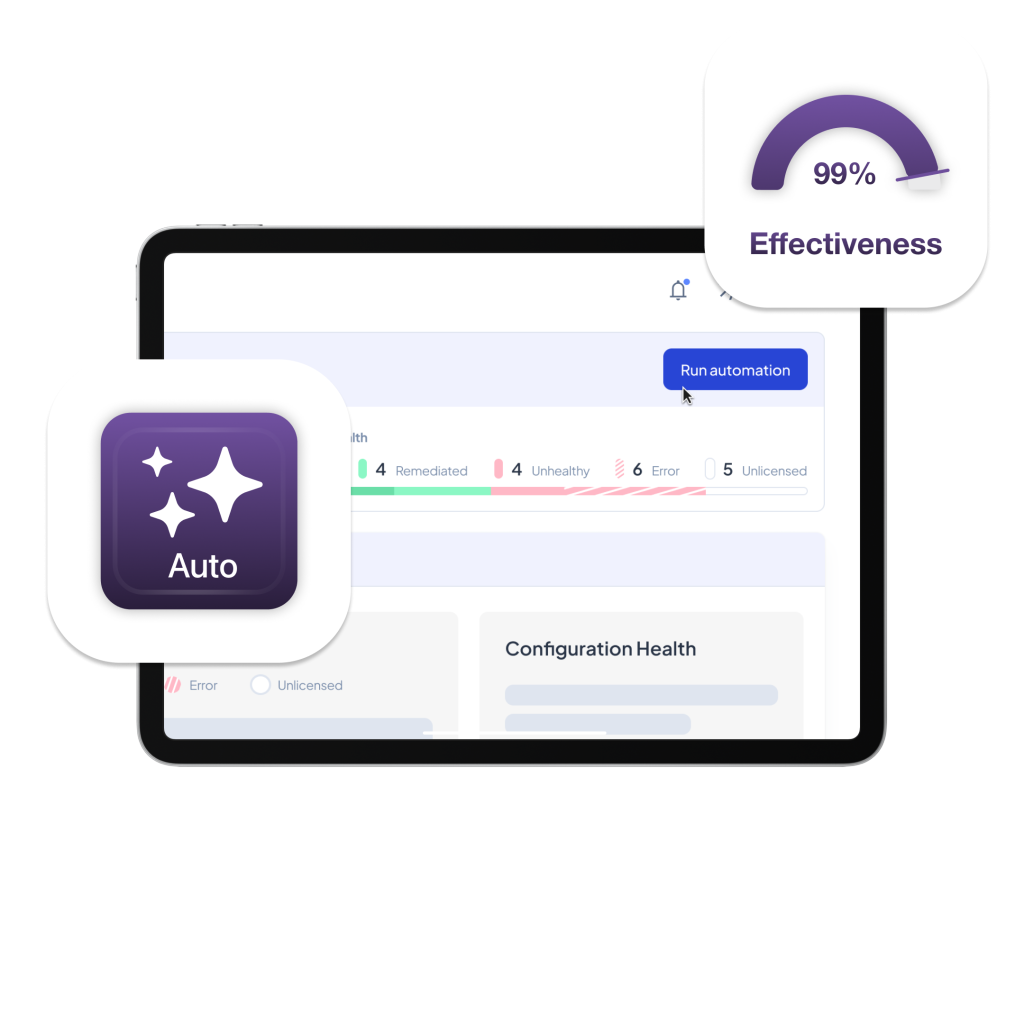
Assess in report mode, then cascade approved blueprint changes across assigned tenants

Assess before enforcement

Use report mode to compare each tenant with the blueprint and understand configuration differences before making live changes.

Choose how each control behaves

Set a configuration to Report when you want visibility without enforcement. Set it to Remediate when 365sentri should maintain the blueprint’s intended state.

Change once, apply everywhere

Amend the configuration in the blueprint and the change cascades across assigned tenants where it is set to Remediate. Keep the standard current without updating every customer individually.

From configuration gaps to security action

See what differs, understand why it matters and decide what happens next

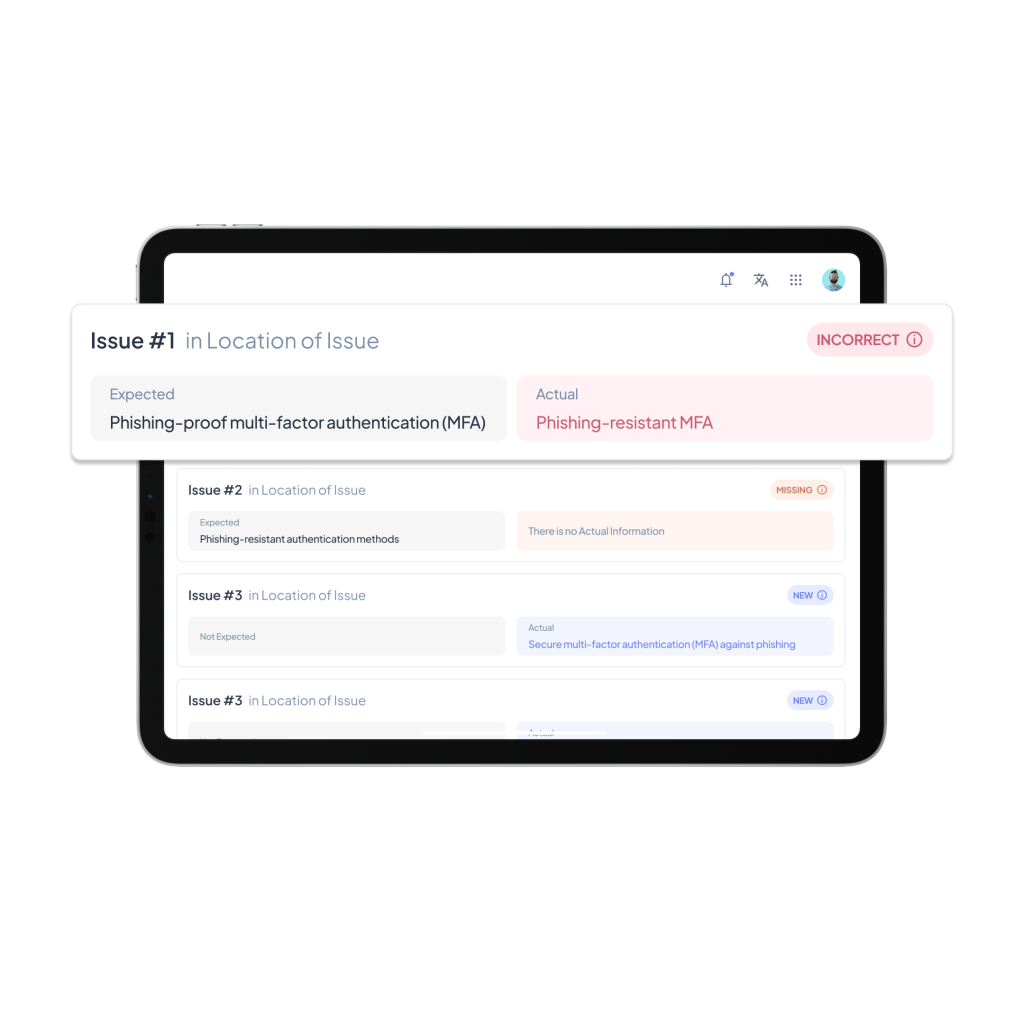
Compare expected with actual

See the configuration required by the assigned blueprint alongside the tenant’s current state, so your team can understand the exact difference.

Work through each blueprint stage

The Action Items list reflects the tenant’s current blueprint stage. A report-only stage surfaces configuration differences for review. When the tenant advances to a remediation stage, the list identifies the updates required to bring it into alignment. Within each stage, actions can be organised by Microsoft service and importance. You have control over this.

Show measurable progress

Use Prospect Reports and Monthly Reports to document the starting position, explain recommended work and show customers how their tenant improves over time.

Run every Microsoft 365 tenant to one clear standard

See where each customer differs, decide what needs attention and roll out approved changes—without repeating the same work tenant by tenant.

14-day free trial · Up to 3 tenants · No credit card required

Launch login modal Launch register modal