#
Learn how to create a break glass account for emergency access. This guide will walk you through the necessary steps to set up this crucial security feature.
1. Navigate to the web application:
AU – https://app-aueast.365sentri.com
US – https://app-useast.365sentri.com
EU – https://app-euwest.365sentri.com
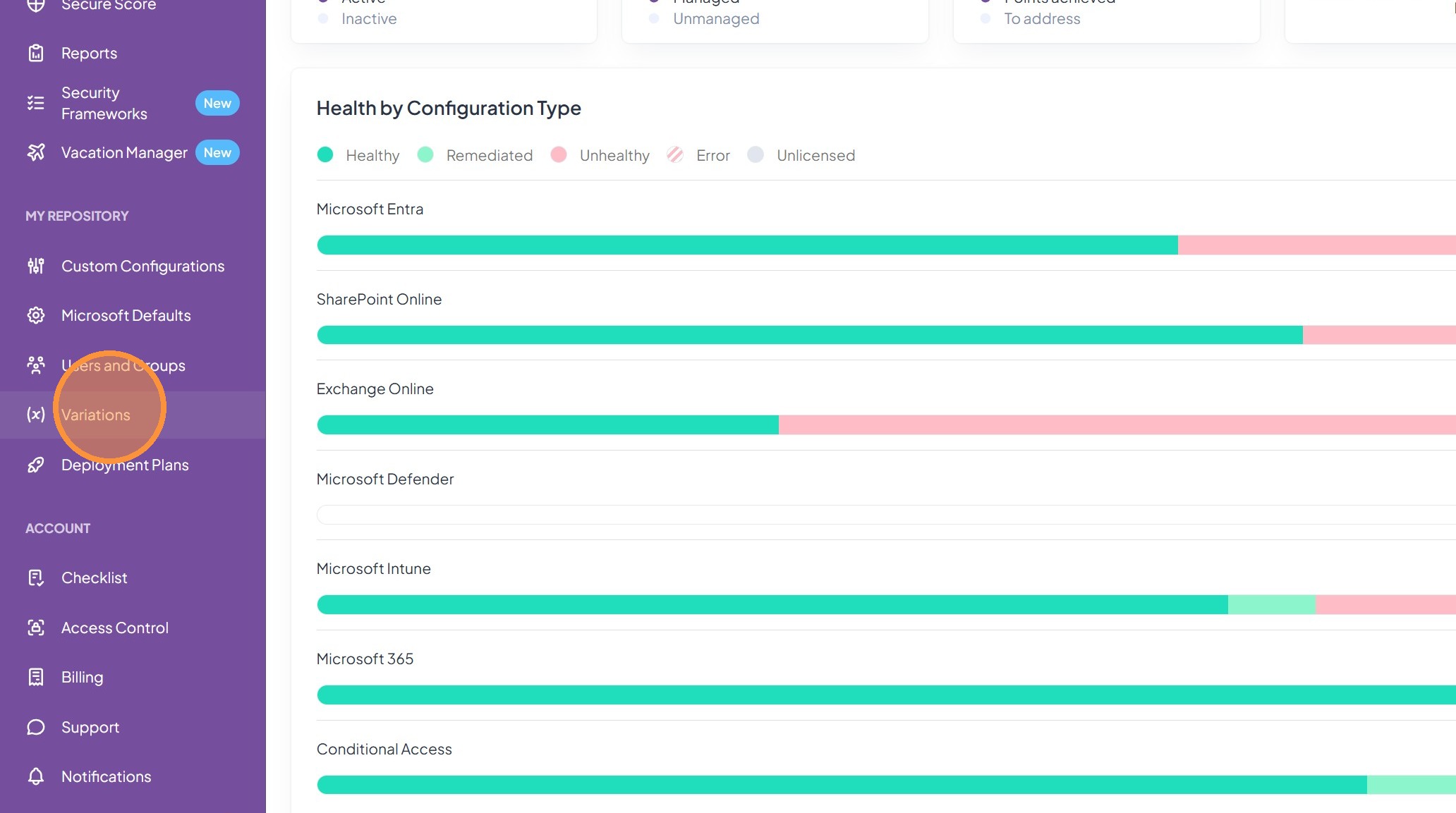
2. Click “Variations” in main menu on the left side
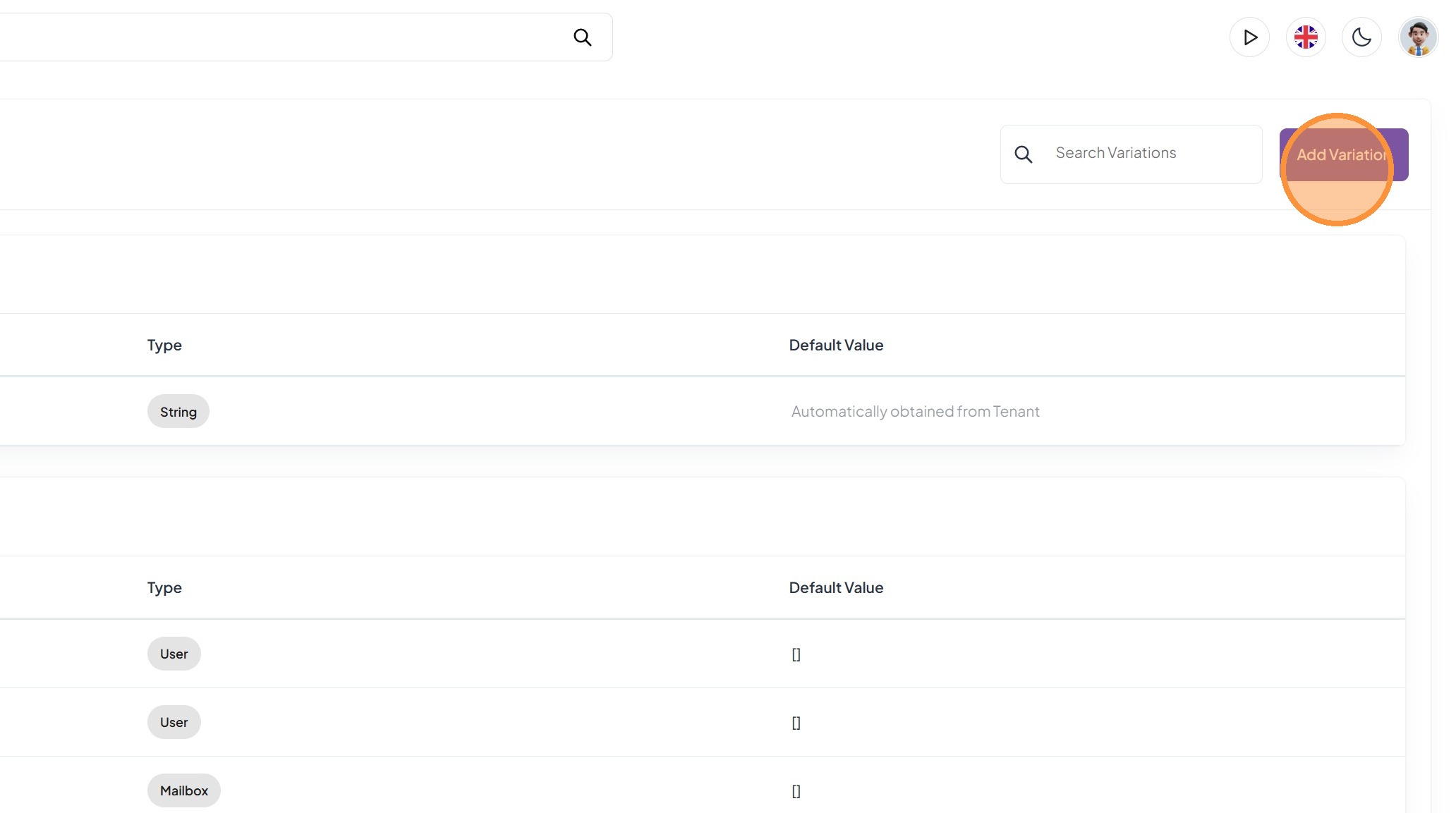
3. Click on “Add Variation” in the top right
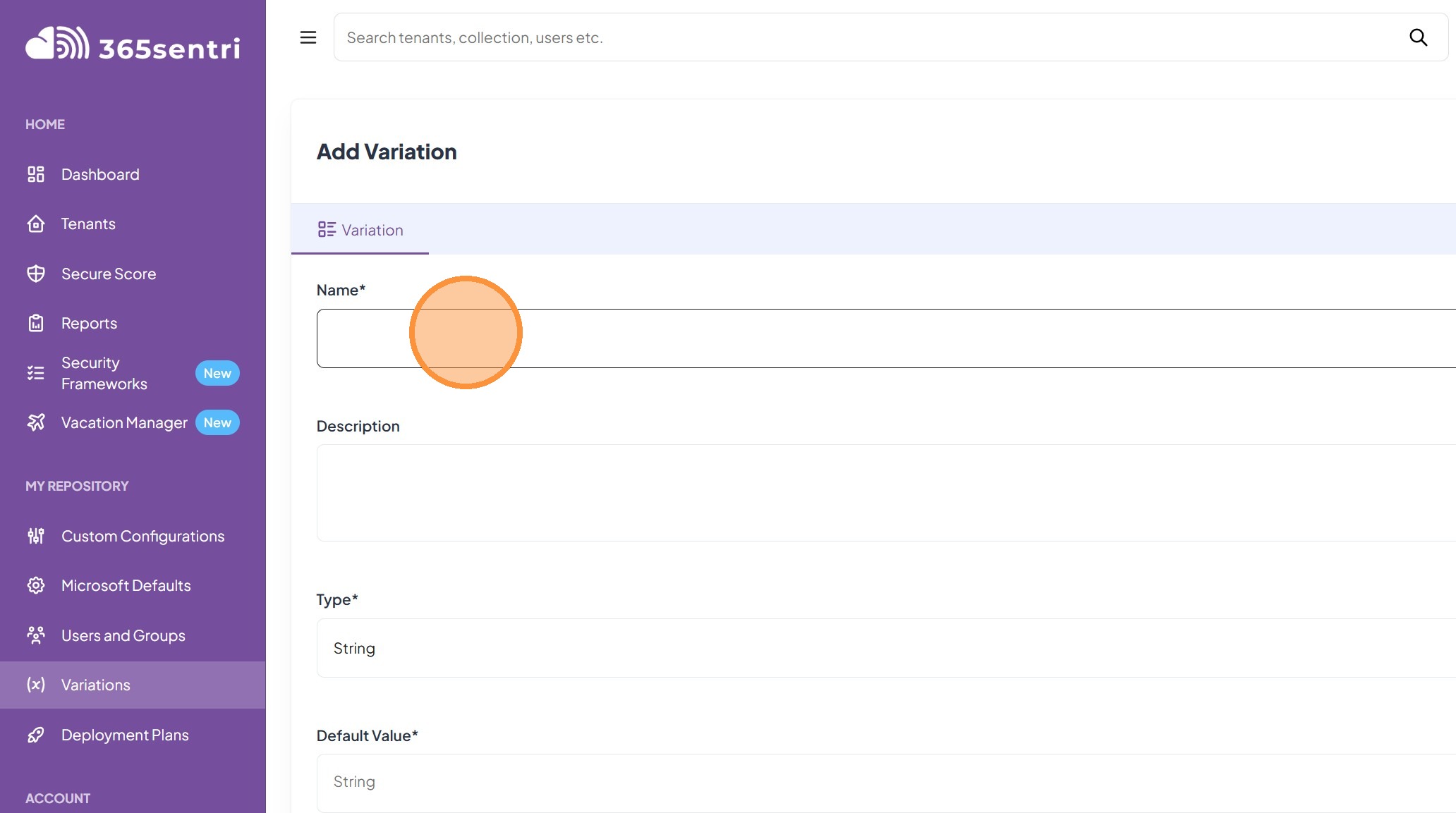
4. Click in the “Name” text field, type in “Break Glass Account”
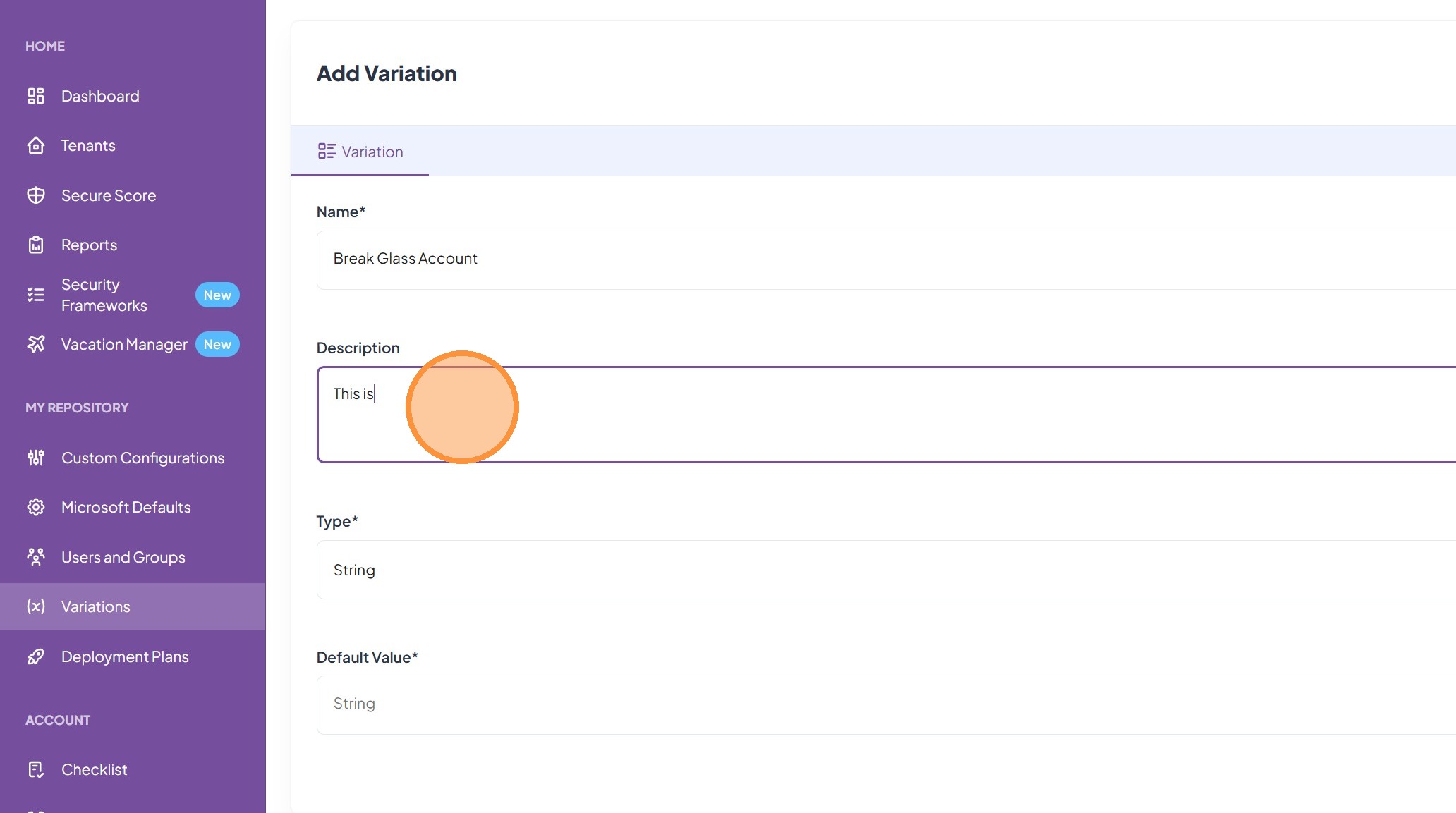
5. Click in the “Description” field, and type in “This is our emergency access account”\
The description is only visible inside 365sentri, and is for your information only.
6. Click on the “Type” dropdown
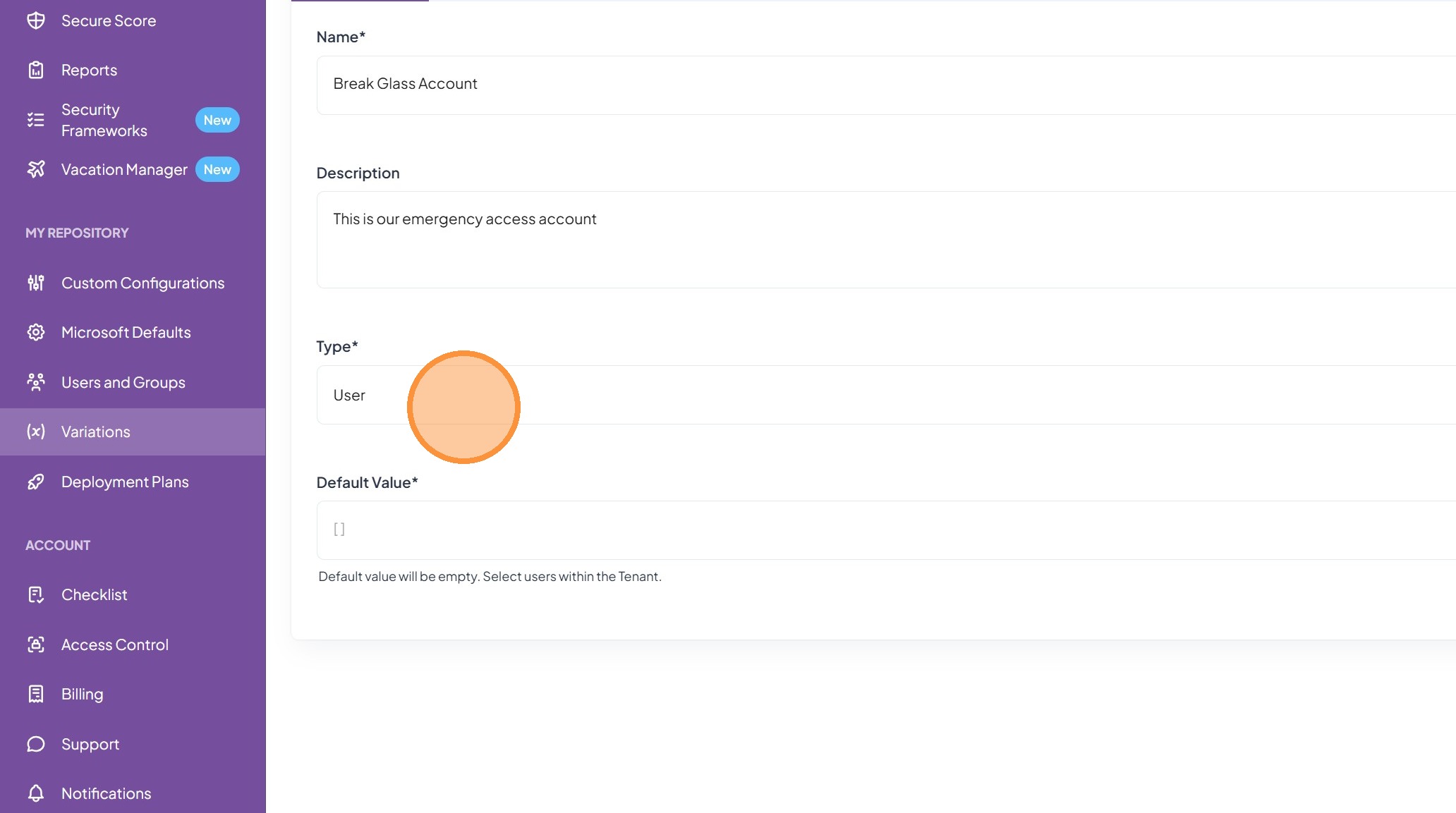
7. Click “User” to select
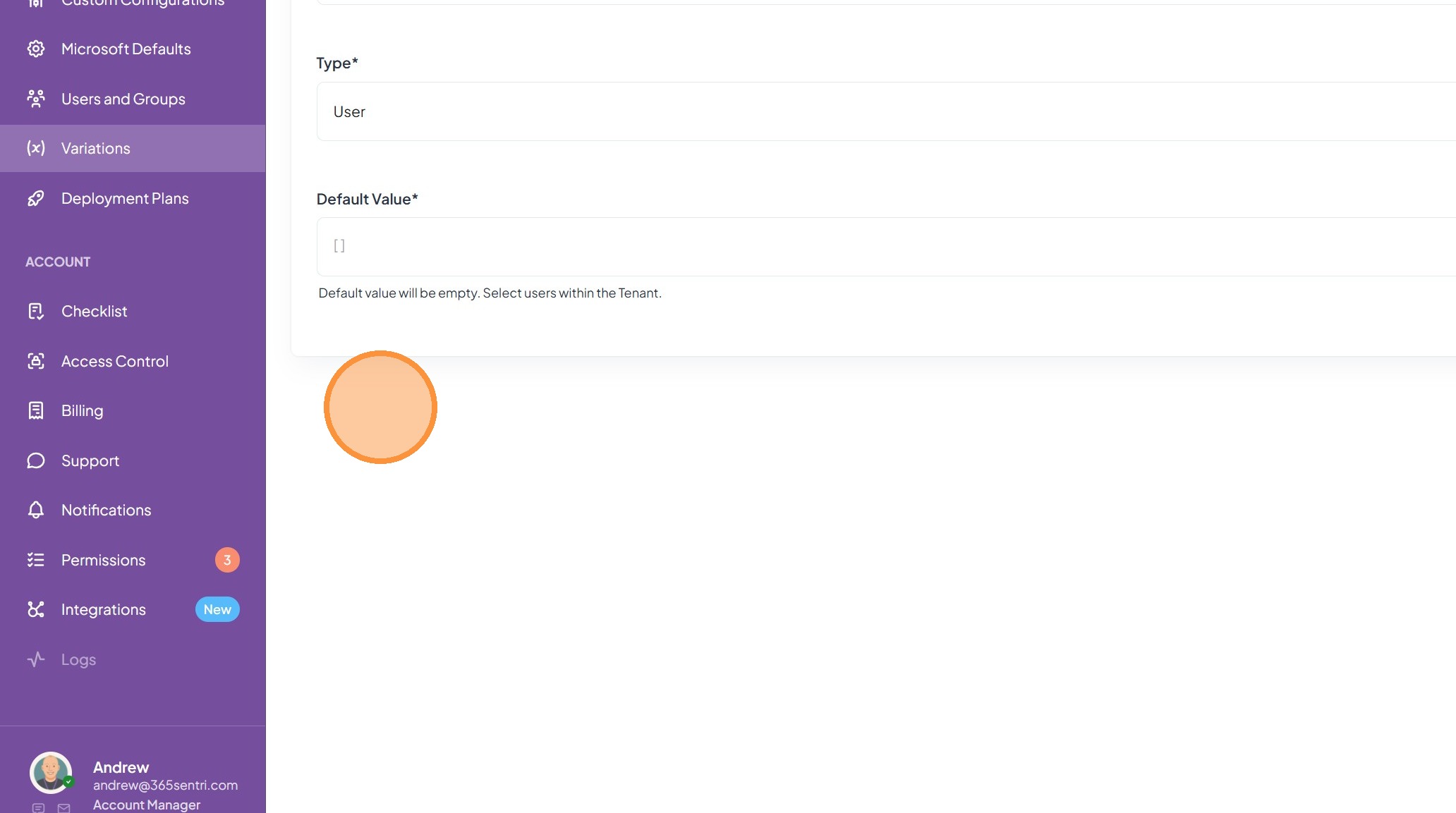
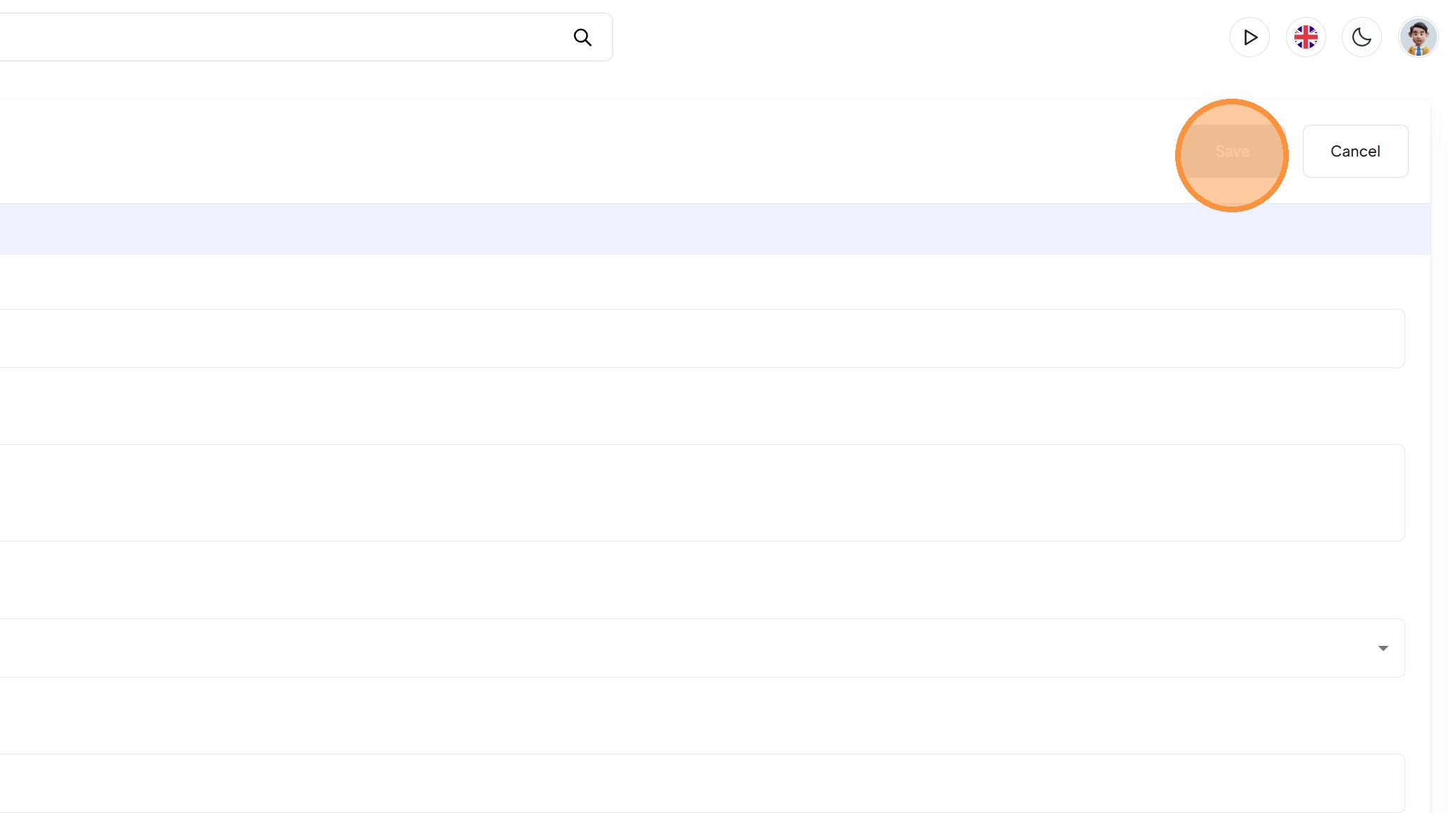
8. Click “Save” in the top right